
Only the Accounting Manager and General Manager can block or unblock invoices by default to prevent other users from making changes. Users in other roles can request this functionality with approval from an Admin or General Manager, after which a GoFreight support agent can grant access.
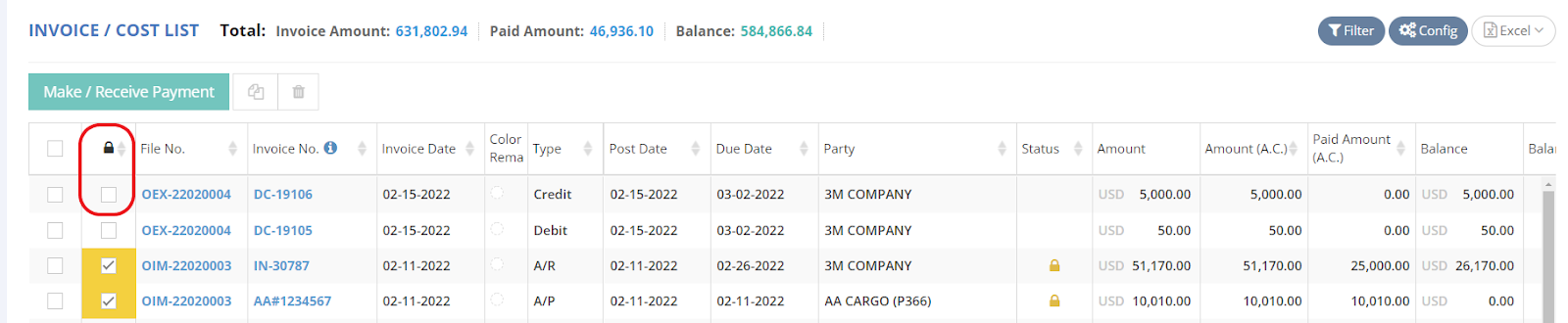
Follow these steps to block or unblock an invoice in the invoice/cost list:
- Check the invoice in the row with the lock icon.
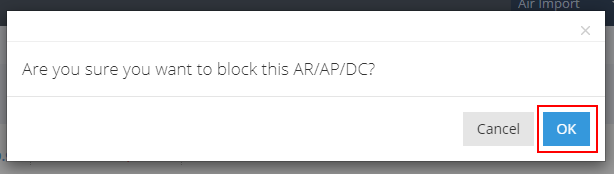
- Click “OK” on the pop-up notice to proceed.
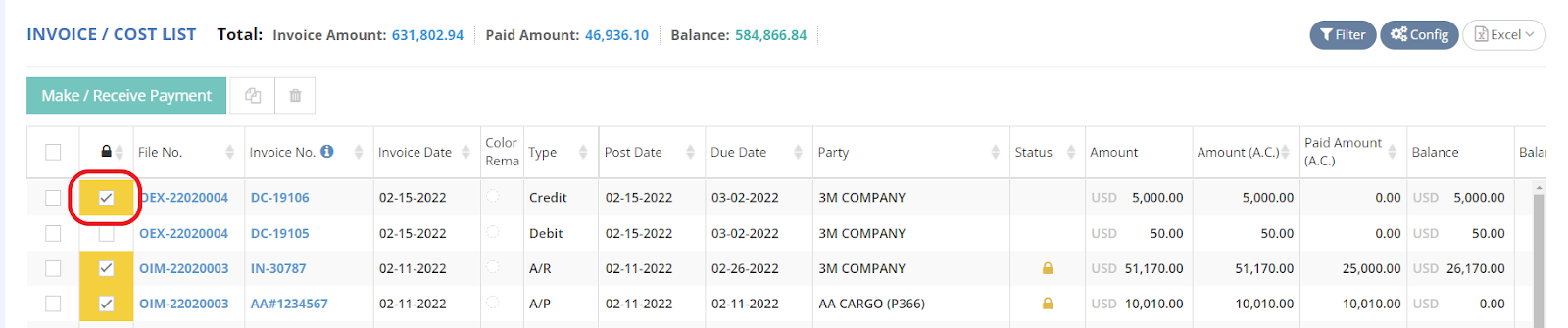
- The invoice will now be blocked. To unblock it, simply uncheck the corresponding box for the invoice.
You might also be interested in:
- What is Post Invoice, and How does it work?
- Locking Behavior in the GoFreight System
- How to Verify Accounting Block History ?