
If you need to generate a report reflecting the total balance of a customer based on their shipments, follow these steps to create a Freight Statement in GoFreight.
Steps to Generate a Freight Statement:
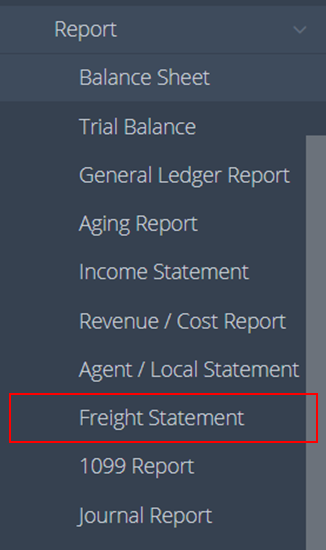
- Navigate to “Accounting” > “Report” > “Freight Statement” on the navigation bar.
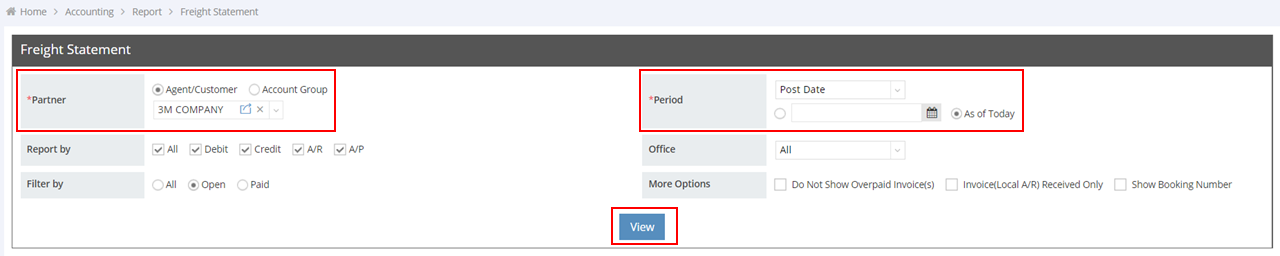
- Select the Partner and Period, then click View.
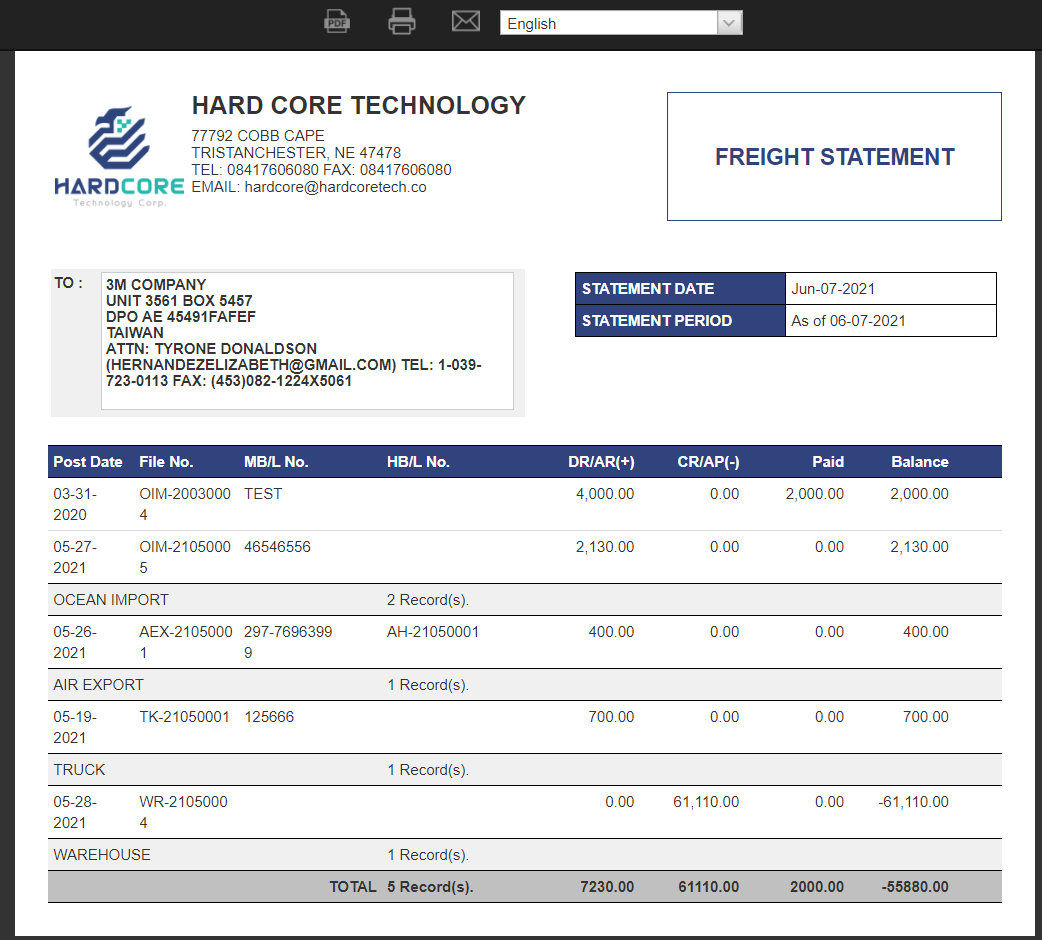
- Review the displayed Freight Statement sample to see the customer's balance based on shipments.
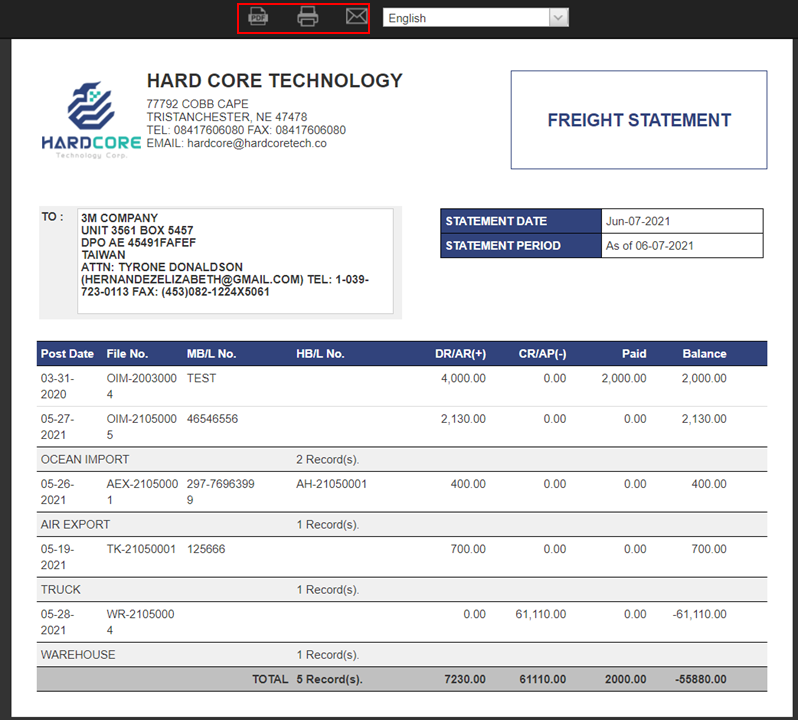
- To download the statement as a PDF, print it, or send it via email, click the corresponding buttons at the top of the preview page.
You might also be interested in:
- How to Search in the Aging Report?
- How to Generate the Agent/Local Statement?
- How to Print an AR Invoice?