
- In the “Quotation List”, click on Excel to select either Download or Config.
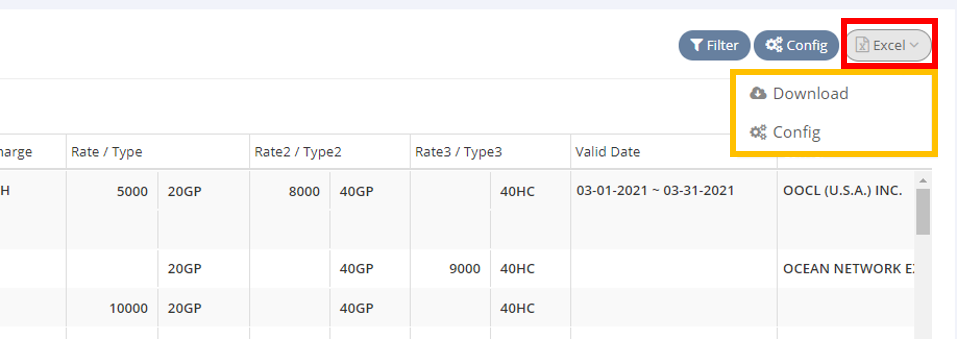
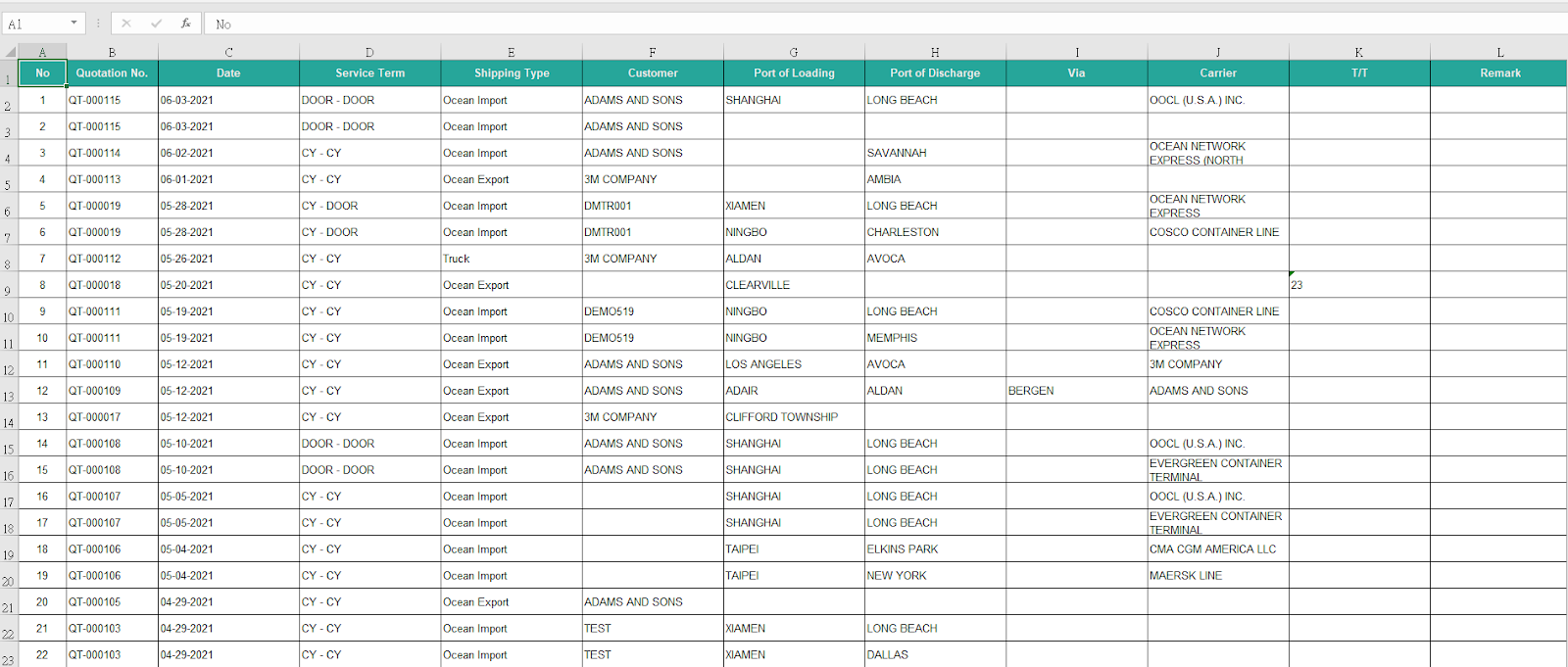
- To directly output the quotation list with the current display order, click on Download.
- If you wish to edit the display order before outputting the quotation list, click on Config.
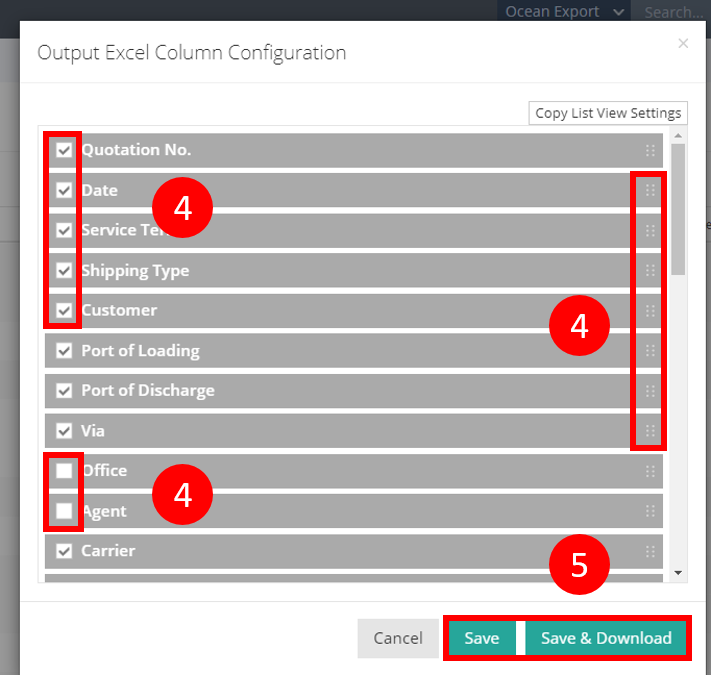
- In the configuration settings, check the items you want to include in the output, uncheck the items you wish to exclude and drag items to rearrange them for your preferred display order.
- Once you're satisfied with your selections, click on Save or Save & Download.
You might also be interested in:
- How to Configure the Quotation List ?
- How to Use the Filter Function on the Quotation List?
- How to Check All Created Quotations?