
In addition to recording received payments through Accounts Receivable (AR) invoices, you can also create new payments directly from the Payment Received List.
Note: This function is available only to users with the roles of General Manager, Accounting Manager, and Accounting.
To create a payment in the Payment Received List, follow these steps:
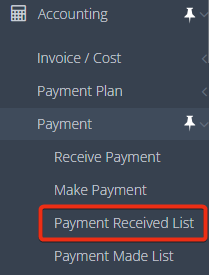
1. Navigate to "Accounting" > "Payment" > "Payment Received List".
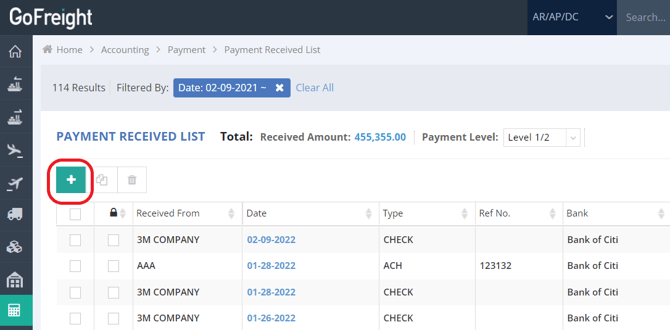
2. Click the green “+” button located at the upper left-hand side to add a new payment.
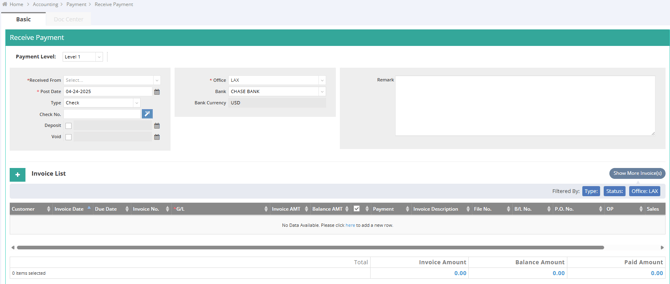
This will take you to a new page where you can record the payment for AR. For detailed instructions on the payment process,, please refer to the article "How to Receive a Payment (Full Receive or Partial Receive)?".
You might also be interested in:
- How to Receive a Payment (Full Receive or Partial Receive) ?
- How to Create a New Payment on the Invoice/Cost List?
- How to Clear/ Deposit a Payment at the Bank?