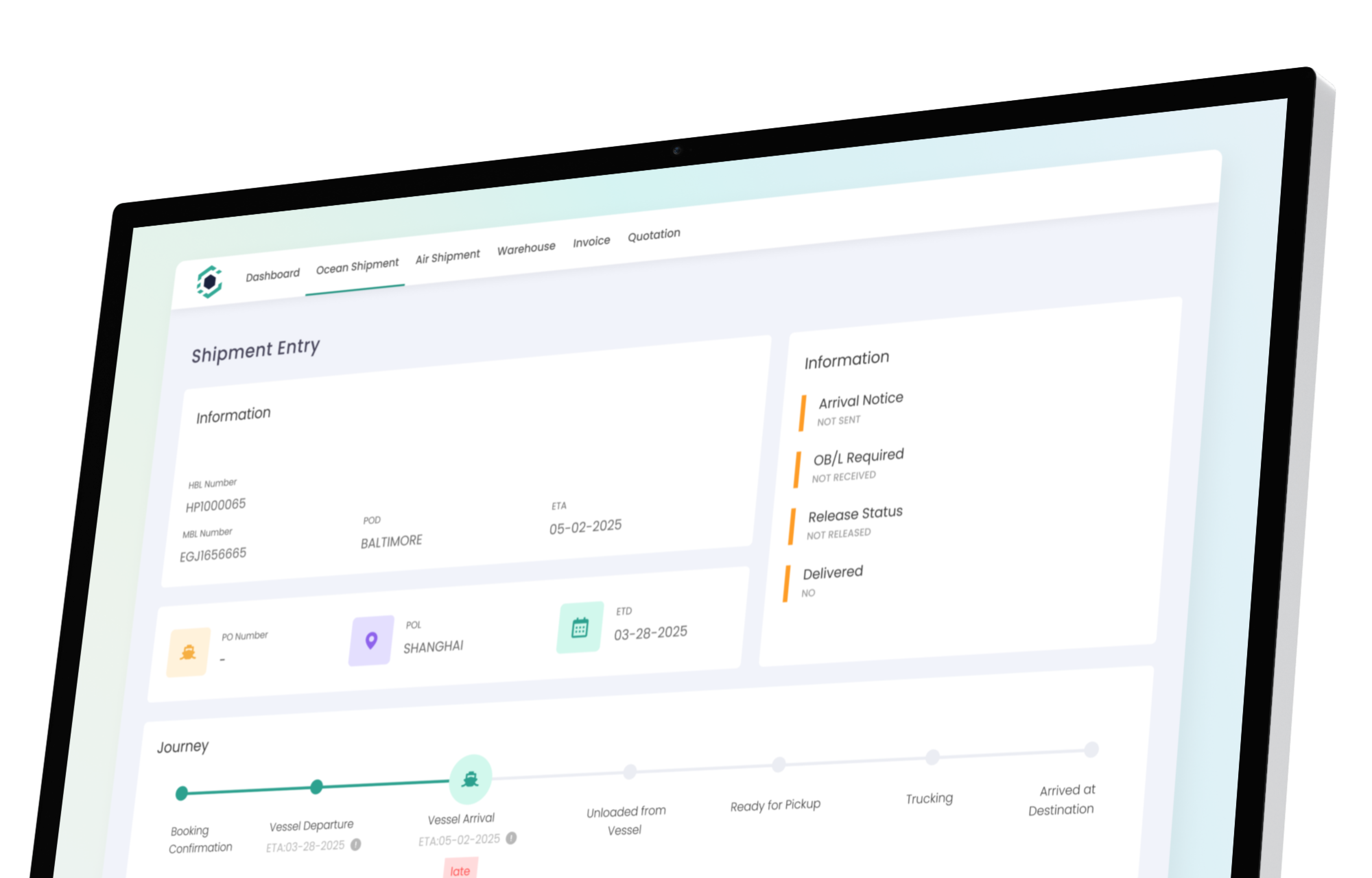
Your customs entry belongs on the shipment.
Prepare, validate and transmit U.S. entries through a CBP-certified ABI pipeline — inside the platform your team already runs the shipment on. One record. One login. One contract — no second platform to license, implement and reconcile.
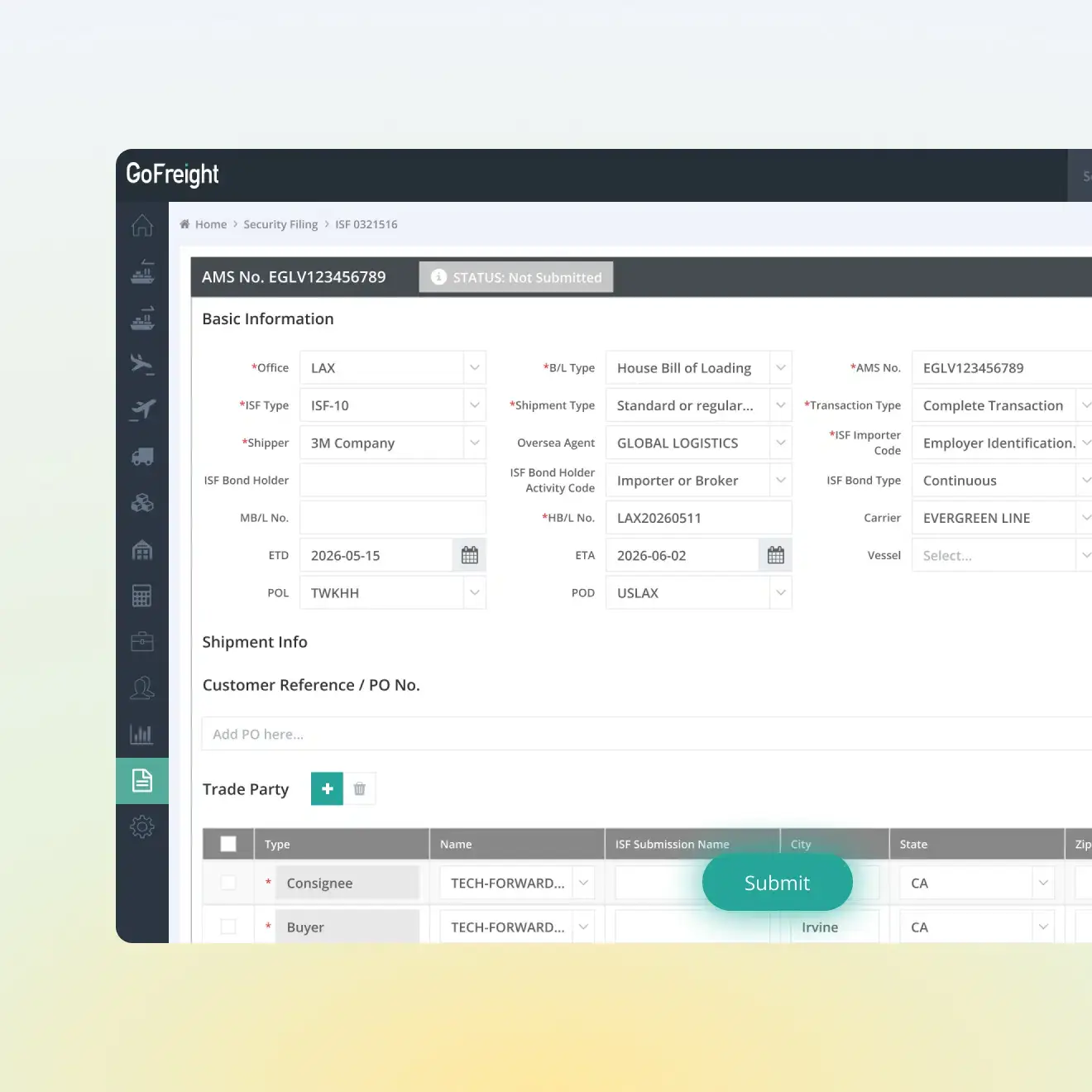
Entries go to CBP / ACE through a certified filing pipeline, maintained for you.
Consumption, informal, in-bond, warehouse, FTZ and drawback — plus 5106, duty payment, statements, ISF, AMS and AES.
Customs runs on the same shipment record your team already works in. No second system to license or implement. Filing is activated per service, with CBP onboarding typically taking about two weeks.
Three duty frameworks in five months
Nobody's filing system was built for 2026. The question isn't whether your platform is deep — it's how fast it changes when Washington does.
IEEPA tariffs struck down
The Supreme Court held that IEEPA does not authorize tariffs. Collection stopped four days later, and a refund process had to be built inside ACE.
De minimis suspended indefinitely
CBP codified the suspension of the $800 exemption. The Entry Type 86 test is suspended. Type 11 Informal is now the primary pathway at $2,500 or less.
Section 301 forced-labor duties
A new Chapter 99 framework covering 60 economies, each with its own rate, exceptions and reporting requirements — live with one day's filing guidance.

Running customs in a second system costs you four times
TMS
Filing Platform
100 S ALAMEDA ST
LOS ANGELES CA 90012
UNITED STATES
500 FIFTH AVENUE
NEW YORK NY 10110
UNITED STATES
| Ln | HTS Number | Value ($) | Duty | PGA |
|---|---|---|---|---|
| 01 | 8517.13.0000 | 45,000 | Free | FCC |
| 02 | 2008.19.1500 | 12,500 | 5.0% | FDA |
| 03 | 8471.30.0100 | 32,000 | 2.5% | - |
HDR: 2811 8901234 5 2811 01
INV: USD 89500.00 EXW
L01: 8517130000 Q250 V45000
L02: 2008191500 Q120 V12500
L03: 8471300100 Q80 V32000
---------------------------------
14:02:03 RECV ACK (CBP ACE)
CODE: 100 - RECORD ACCEPTED
EST DUTY: $1,425.50
14:02:04 FDA PN CONFIRMED
PN NO: PN9928102381
14:02:05 CBP C1 RELEASE
NO PAPER REQUIRED.



From booking to CBP release, on the same file.
The operator and the entry writer work the same shipment in sequence. The handoff happens inside the platform, so nothing is re-keyed and nothing gets lost between two systems.
Shipment created
Ops books the file the way they always have.
Data flows in
Parties, HTS, values and dates populate the entry.
Entry writer files
Review, validate, transmit to CBP.
Status returns
CBP responses land back on the shipment.
Released
Cleared status visible to the whole team.
Every U.S. entry type your desk actually files.
We transmit through a CBP-certified ABI pipeline with the regulatory content maintained inside the engine — not patched by your IT team. The full entry-type range is available from general availability in Q3 2026.
Every vendor says "always current." Here is ours, dated.
A public log of what changed in U.S. customs and when our filing engine handled it. Updated with every release. Hold your current provider to the same standard.
Section 301 forced-labor duties — 60 economies
New Chapter 99 provisions with country-specific rates of 10% or 12.5%, additive to existing Section 301 duties, with an exemption annex.Section 122 surcharge expiry
The temporary 10% balance-of-payments surcharge lapsed. Duty logic reverted and re-stacked against Section 232 and AD/CVD.De minimis indefinitely suspended · Type 86 test suspended
Low-value shipments moved to Type 11 informal or Type 01 formal. Release from manifest is no longer available for goods that would have claimed de minimis.Entry Type 13 — postal informal entry test
CBP's voluntary electronic test for mail entries, with a compliance date of 22 October 2026 for certain shipments.Section 232 adjustment — aluminum, steel, copper
Revised regimes and U.S.-content support rules.IEEPA duties terminated · CAPE refund process
Collection halted following the Supreme Court decision; entries reworked for refund eligibility through CBP's post-entry process.Where GoFreight fits — and where it doesn't.
We're not going to tell you the incumbents can't file. They can. Here's the actual difference for a U.S.-focused forwarder with a house brokerage.
| GoFreight | CargoWise | Magaya | Descartes | |
|---|---|---|---|---|
| U.S. filing depth | Deep — certified ABI pipeline, full U.S. entry-type range | Deep | Deep | Deep |
| Global customs coverage | U.S. only. If you file in six countries, buy CargoWise. | ~60 jurisdictions — strongest in market | U.S.-focused | Multi-country |
| Where the entry lives | The shipment record itself | Integrated module inside the suite | A separate product connected to the TMS by API | A separate filing platform, often a different product line from the forwarding system |
| Commercial model | Users plus transactions, on one contract — no separate customs platform fee | Per-transaction automation fees since Dec 2025 | Priced by module and user count | Priced per platform, often more than one contract |
| Typical time to live | 4–8 weeks for the platform | 6–12+ months | Faster than CargoWise | Varies by product |
| Best fit | U.S. forwarders running freight and a house brokerage on one team | Global enterprise networks with dedicated IT | Forwarders who also run warehousing | High-volume dedicated brokerage operations |
What's in at launch, and what isn't.
Customs Management enters general availability in Q3 2026 with the full U.S. entry-type range. Here is the complete list, including what is still on the AI roadmap behind it — we would rather you see the whole picture now than discover it in month three.
Type 01 formal consumption entries — cargo release and entry summary to CBP / ACE
At launchType 11 informal entries
At launchCBP Form 5106 importer identity records
At launchDuty payment and periodic statement
At launchCommercial invoice intake onto the entry
At launchDuty, tax and fee calculation with inline validation
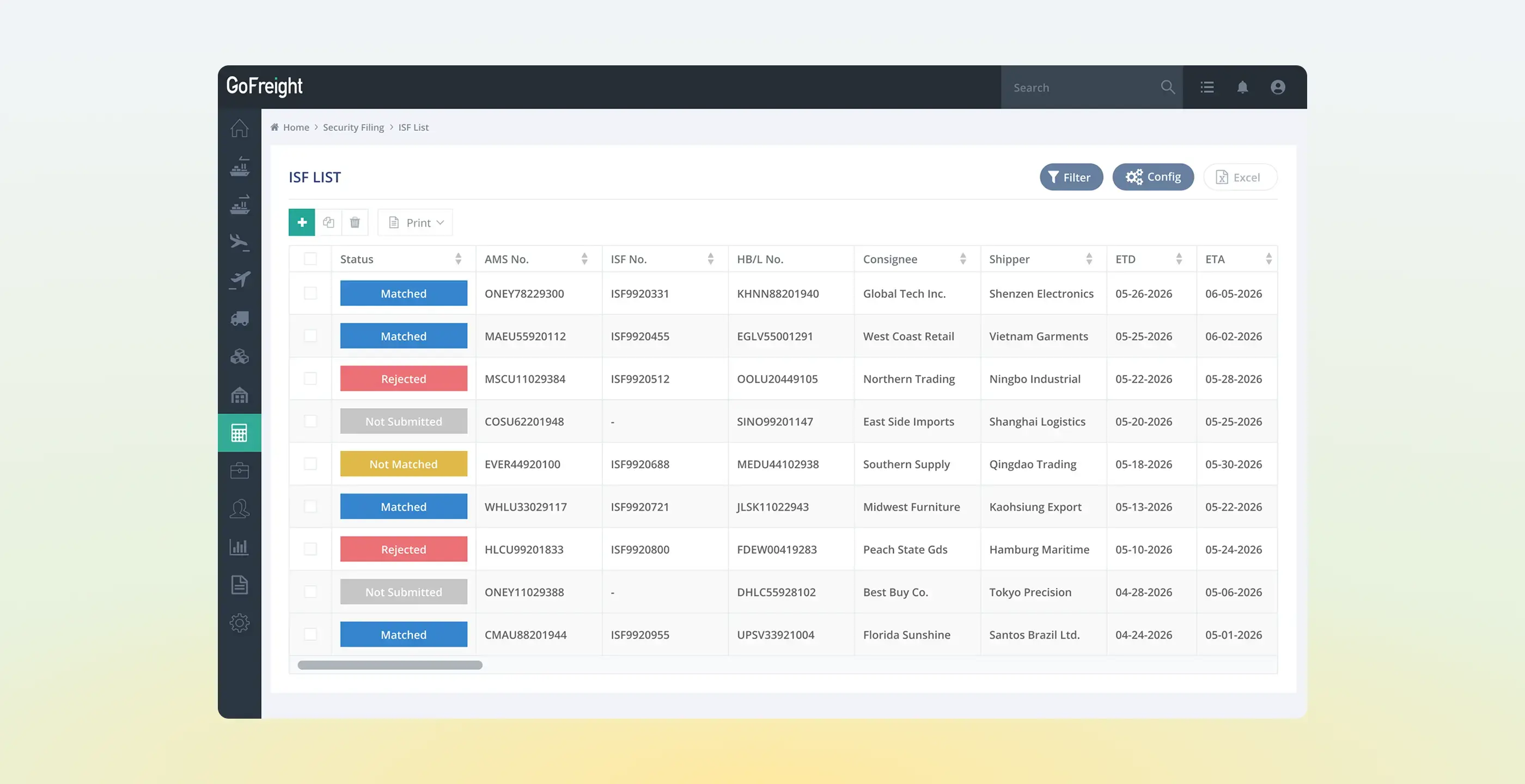
At launchISF 10+2, AMS and AES
Already live in GoFreightPGA data sets, including FDA and USDA
At launchAD/CVD, quota, TIB and government entries
At launchIn-bond 61 / 62 / 63
At launchWarehouse entries and FTZ e-214
At launchPost-summary corrections, protests and reconciliation
At launchDrawback claims
At launchEntry Type 13 postal informal entry
Tracking CBP’s testGoNEXUS: commercial invoice and packing list to draft entry
Q4 2026GoNEXUS: HTS classification assist with reasoning
Q1 2027Stop paying to keep your entries somewhere else.
Thirty minutes. We'll show you an entry built from a live shipment record, the validation before transmit, and the CBP response landing back on the file. Then we'll model your current per-entry cost against ours.