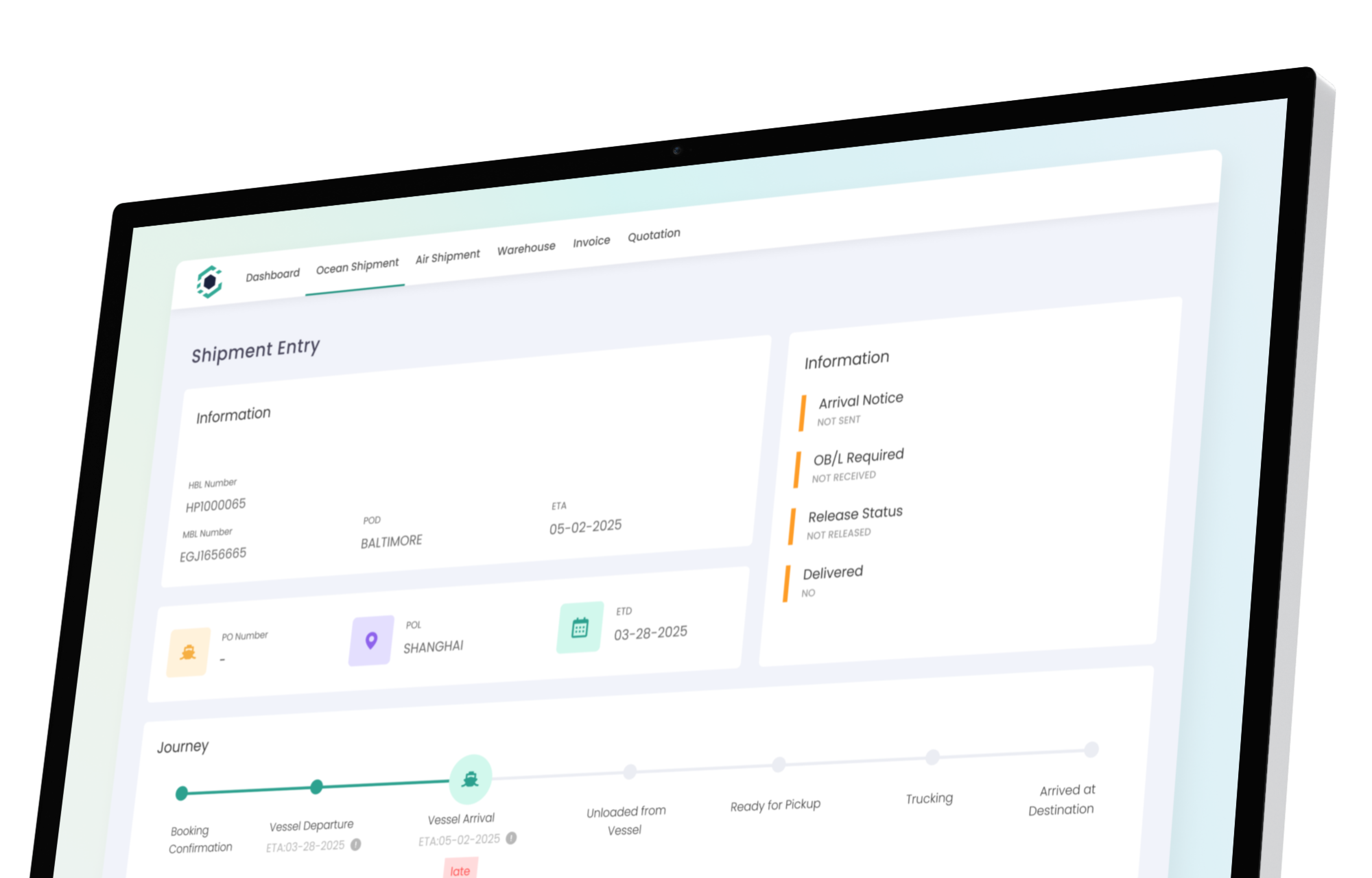
Freight API & Integration Platform
Connect GoFreight to everything you already use. Your carriers, accounting system, customs, and overseas agents—connected in one platform. Pre-built freight forwarding software integrations for common tools. Open API for everything else.
Carrier integrations
REST API & Webhooks
Agent network integration
When evaluating freight software, integration capability determines whether you gain efficiency or create another silo. GoFreight connects natively to carriers, accounting systems, customs authorities, and agent networks so your data flows between systems without manual re-entry. One platform where your TMS, accounting system, carrier tracking, and compliance tools all talk to each other.
Your Systems, Connected
GoFreight plugs into the tools your team already relies on—so nothing changes except how fast you move.
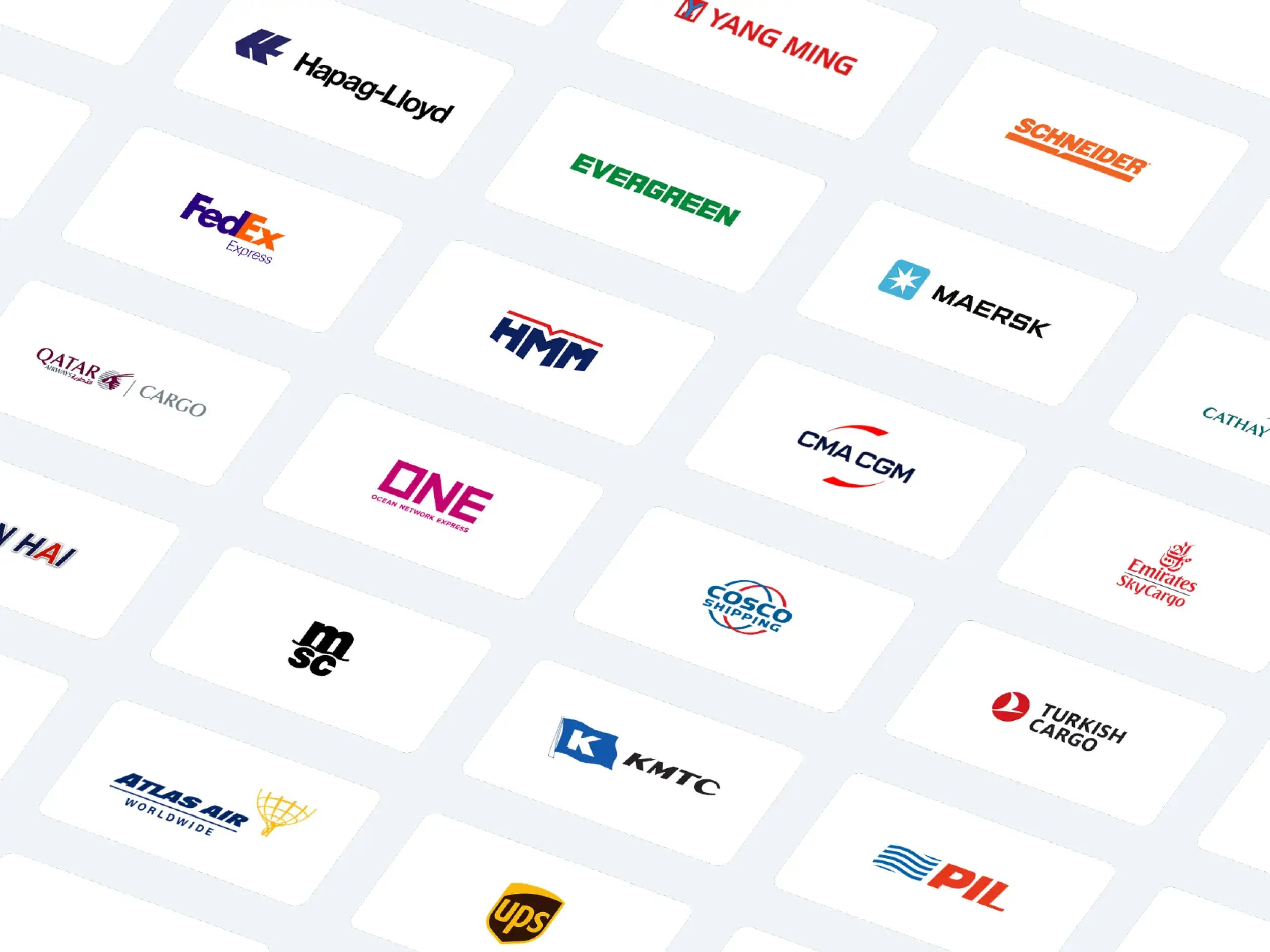
Carrier Visibility
Stop checking 10 carrier websites. GoFreight pulls tracking data from 125+ ocean lines, airlines, and trucking companies directly into your dashboard.
- Maersk, MSC, CMA CGM, COSCO, ONE, Hapag-Lloyd
- Major airlines and air cargo carriers
- Trucking and drayage providers
- Real-time status updates without manual checks
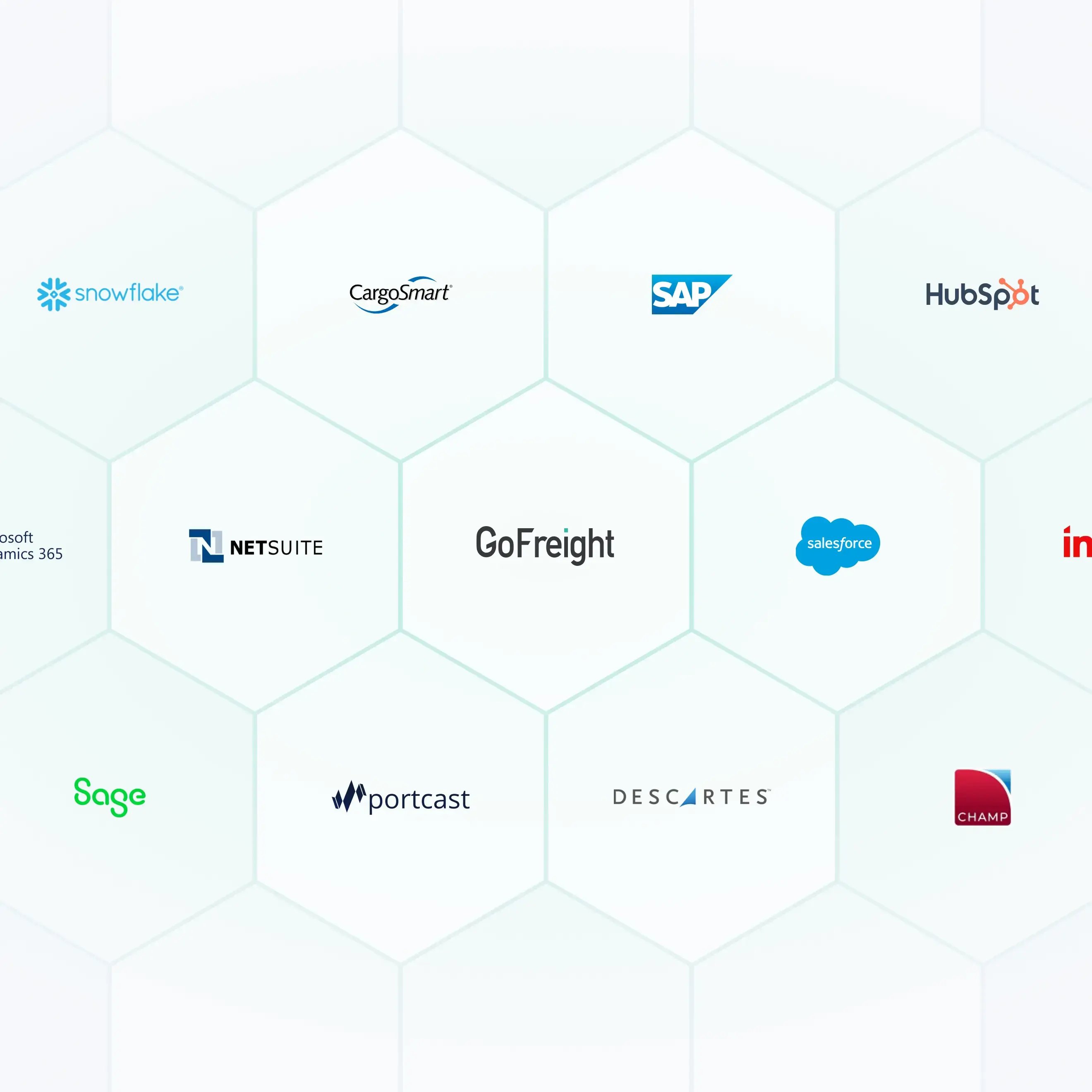
Accounting & ERP
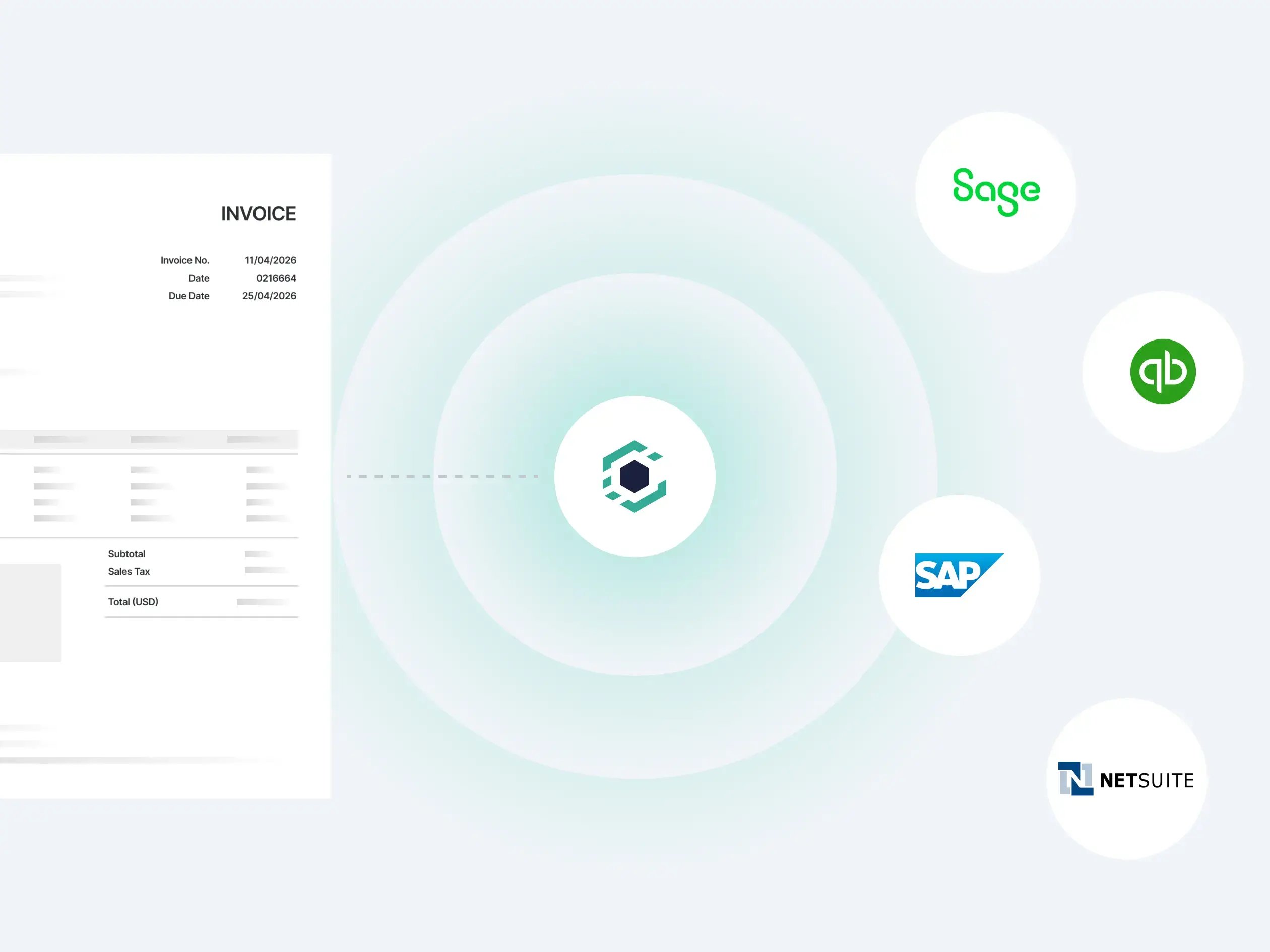
GoFreight connects to your accounting system via open API. QuickBooks users get a native two-way connector. For Sage, NetSuite, SAP, and other ERP systems, GoFreight's open API handles the integration. Invoices, payments, and financial data flow automatically. No duplicate entry.
- QuickBooks Online and Desktop, native two-way sync
- Open API for Sage, NetSuite, SAP, and enterprise ERP systems
- Invoices and payments post automatically
- Financial data stays current across systems
Customs & Compliance
File directly from GoFreight. ABI connectivity for ISF filing, AES for exports, AMS for manifests. One system for operations and compliance—no switching between platforms.
- CBP/ACE direct connectivity
- ISF (Importer Security Filing)
- AES (Automated Export System)
- AMS (Automated Manifest System)
Agent & Partner Network
Share data with your overseas agents via EDI. Settlement automation, document exchange, and shipment status sharing across your global network—without requiring agents to use the same system.
- EDI data sharing with global agents
- Automated settlement processing
- Document exchange across networks
- Shipment status visibility for partners
Client Communication
Right information. Right format. Right channel. Right time.
4-8 Week Implementation
Go live in 4-8 weeks—not the 6-12 months legacy systems demand. GoFreight's cloud-native architecture means faster setup, fewer surprises, and a clear timeline from day one.
Dedicated Integration Support
GoFreight assigns a Customer Success Manager to guide your onboarding. Dedicated integration support during every step—from connecting your systems to verifying data flows.
Full Data Migration
Customer and partner records, rate agreements, and open shipments migrate from your current system. Nothing gets left behind, and nothing needs to be re-entered manually.
Productive in Days
Your team is productive within days of go-live, not months. GoFreight's intuitive interface means less training time and faster adoption across your entire operation.
"With everything centralized in one dashboard, management is easier and straightforward."
Jeff Lee, Sales Manager, UCM
FAQ
What does GoFreight automate in freight forwarding?
GoFreight automates across your entire operation: to-do lists that build based on shipment conditions, container dates that populate from live carrier, terminal, railroad, and AIS data, client notifications sent at key milestones via email or portal, invoices generated from shipment data, and custom reports delivered on each client's schedule. Consistent execution across every shipment, every team member, every day.
How does the to-do list automation work?
GoFreight lets you define task conditions per customer. For example, trigger a reminder when an MBL status updates or a container reaches a specific lifecycle stage. Tasks generate automatically for the right team member at the right time. Operations managers see a live overview of all pending tasks across their team.
Where does GoFreight's real-time tracking data come from?
GoFreight integrates data from ocean carriers, railroads, terminals, and AIS into one platform. ETDs and ETAs update automatically as changes happen. Your team sees the same live data your customers expect without checking multiple carrier websites.
Can I customize the workflow for different customers?
Yes. To-do conditions, memo templates, report formats, notification preferences, and SOPs can all be configured per customer or trade lane. High-touch clients get a tailored workflow—built once, applied automatically.
How does the memo system reduce miscommunication?
Memos can be added at the HBL, MBL, container, or trade partner list level. They appear consistently wherever your team works—visible from the HBL list, MBL list, and container list. Handoff notes, invoice reminders, and key dates stay attached to the shipment, not an email thread.
Does the customer portal support enterprise accounts?
Yes. GoFreight's customer portal supports unlimited tracking users with no per-seat cost. Individual users can also be associated with multiple companies—ideal for importers or group accounts managing multiple entities.
Will automation work without IT resources?
Yes. Workflow rules, to-do conditions, and report schedules are configured by your operations team through the same interface they use daily. No coding or IT support required.
How do automated tracking alerts work?
GoFreight sends automated notifications for key shipment milestones—vessel arrivals, customs clearance, delays, and exceptions. You can configure alerts by event type and route them to your team or directly to customers through the portal.
Ready to Automate Your Freight Operations?
See how GoFreight connects quoting, operations, tracking, and client communication in one automated workflow.