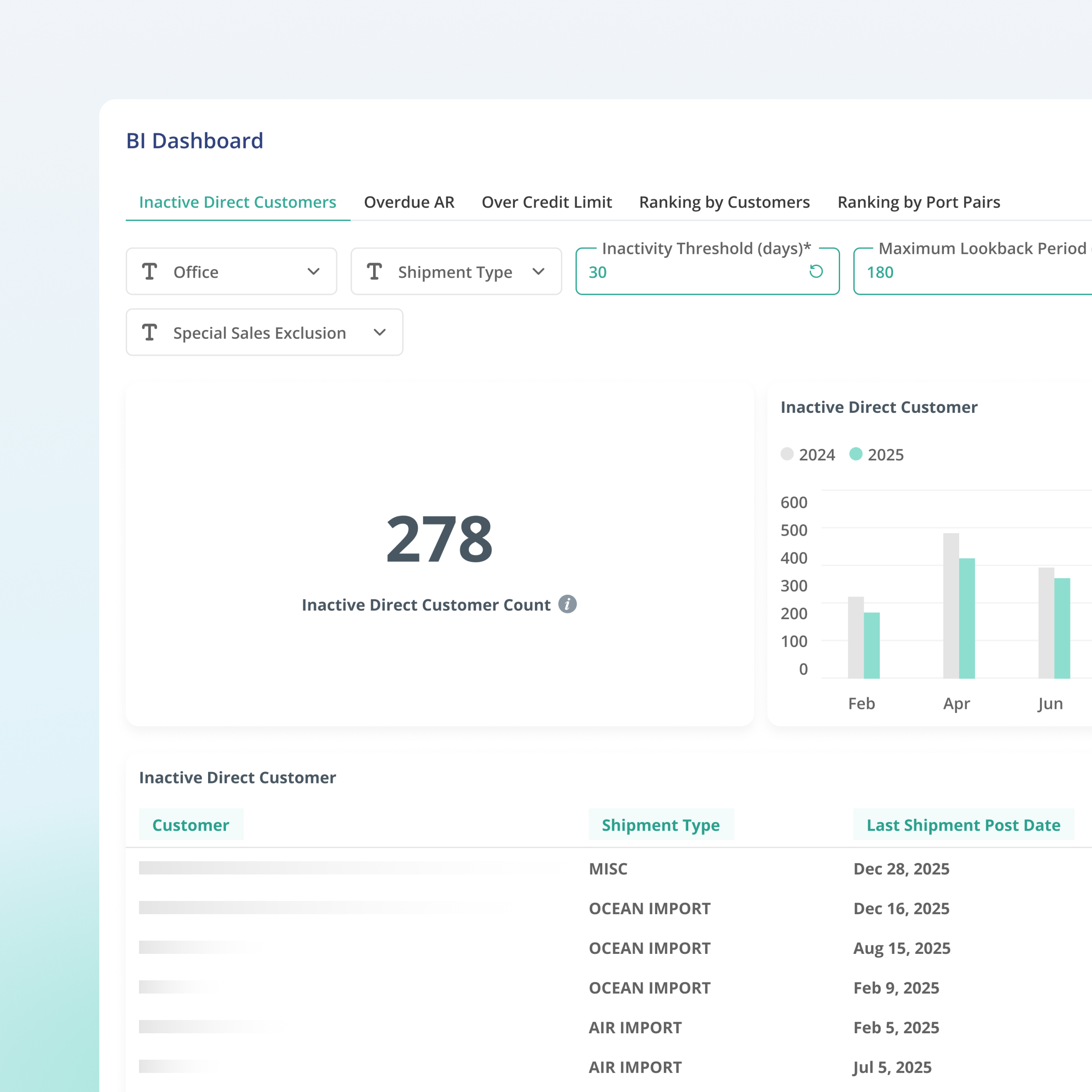
Inactive Customers
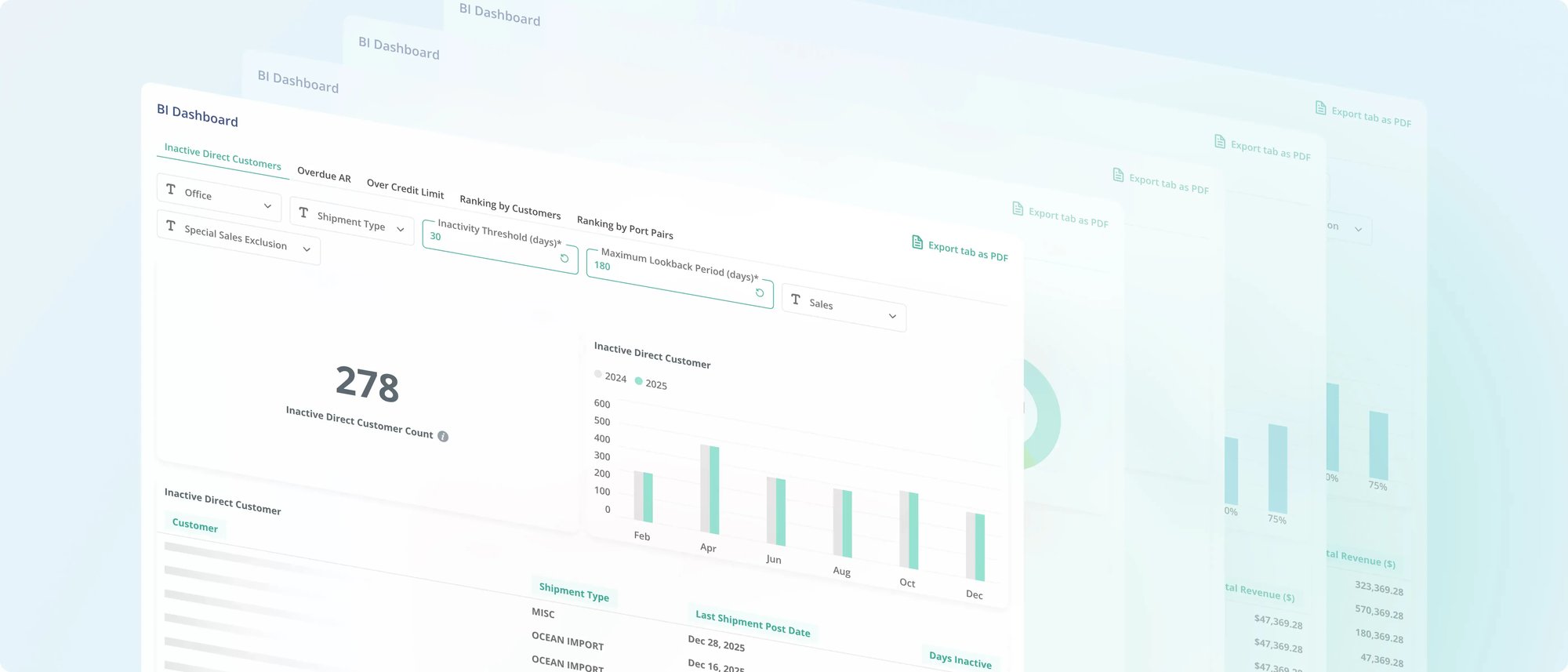
Spot customers who have not shipped recently so your team can follow up and re-engage. Stay ahead of churn before it shows up in revenue.
Most TMS platforms give you data. GoFreight gives you decisions. Five built-in BI reports surface the numbers that drive your business: which customers are slipping, which accounts are overdue, which routes make money. Your team sees what needs attention before it becomes a problem.
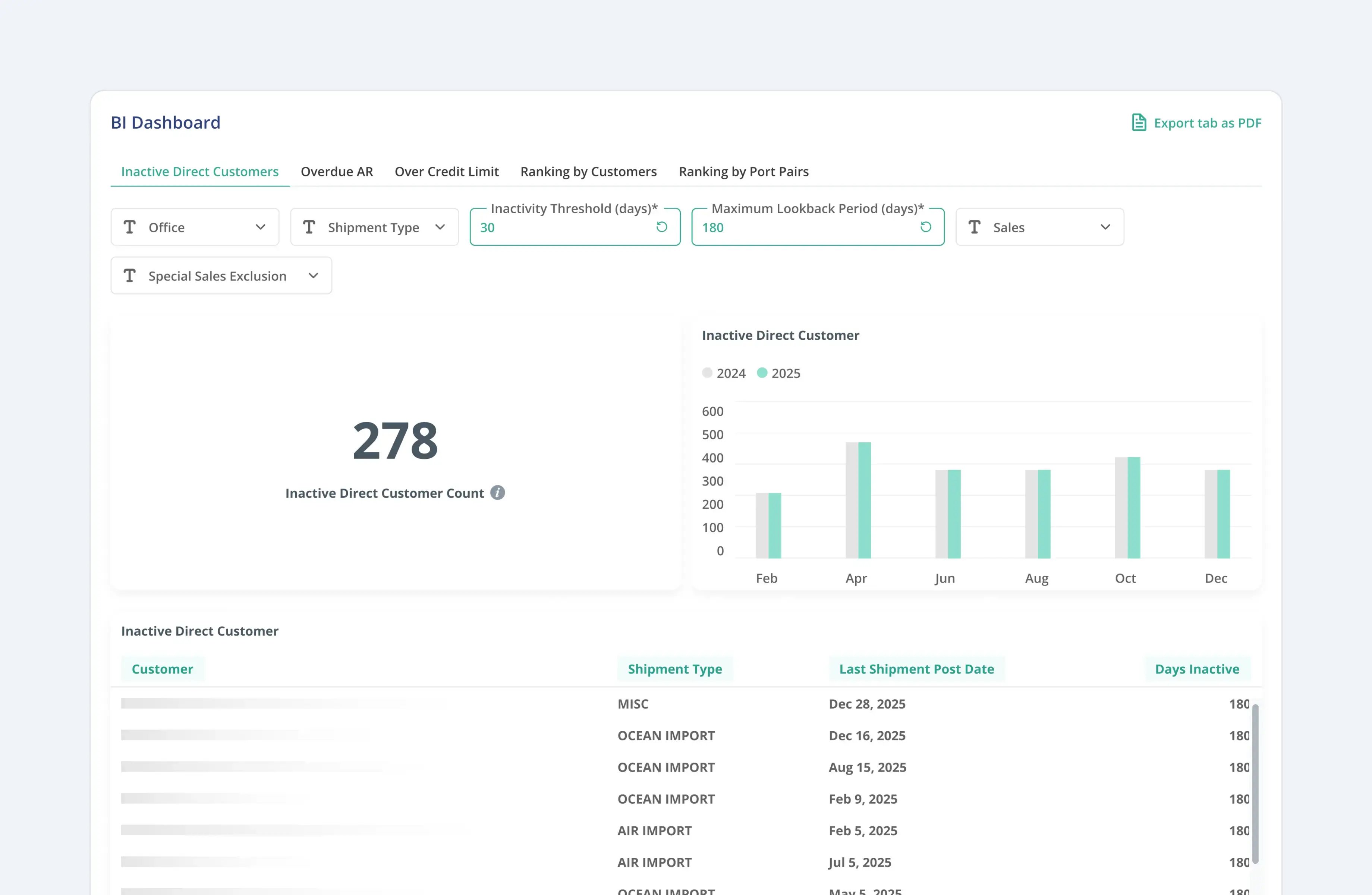
Spot customers who have not shipped recently so your team can follow up and re-engage. Stay ahead of churn before it shows up in revenue.
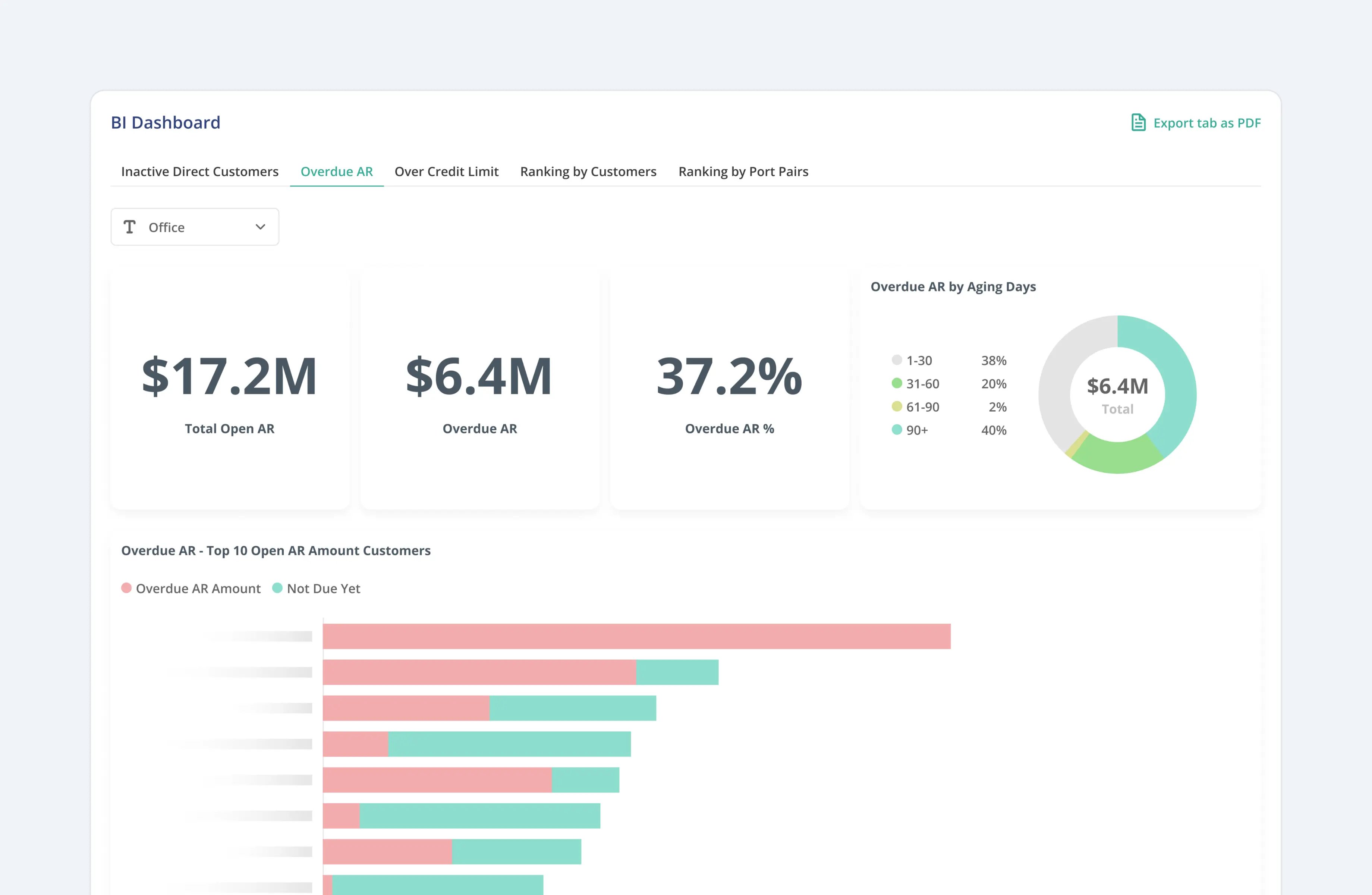
Know exactly who owes you money, how much, and for how long. Catch cash flow risks early so your collections team can act, not react.
Identify accounts that have exceeded their credit limits. Take action before extending more exposure to high-risk customers.
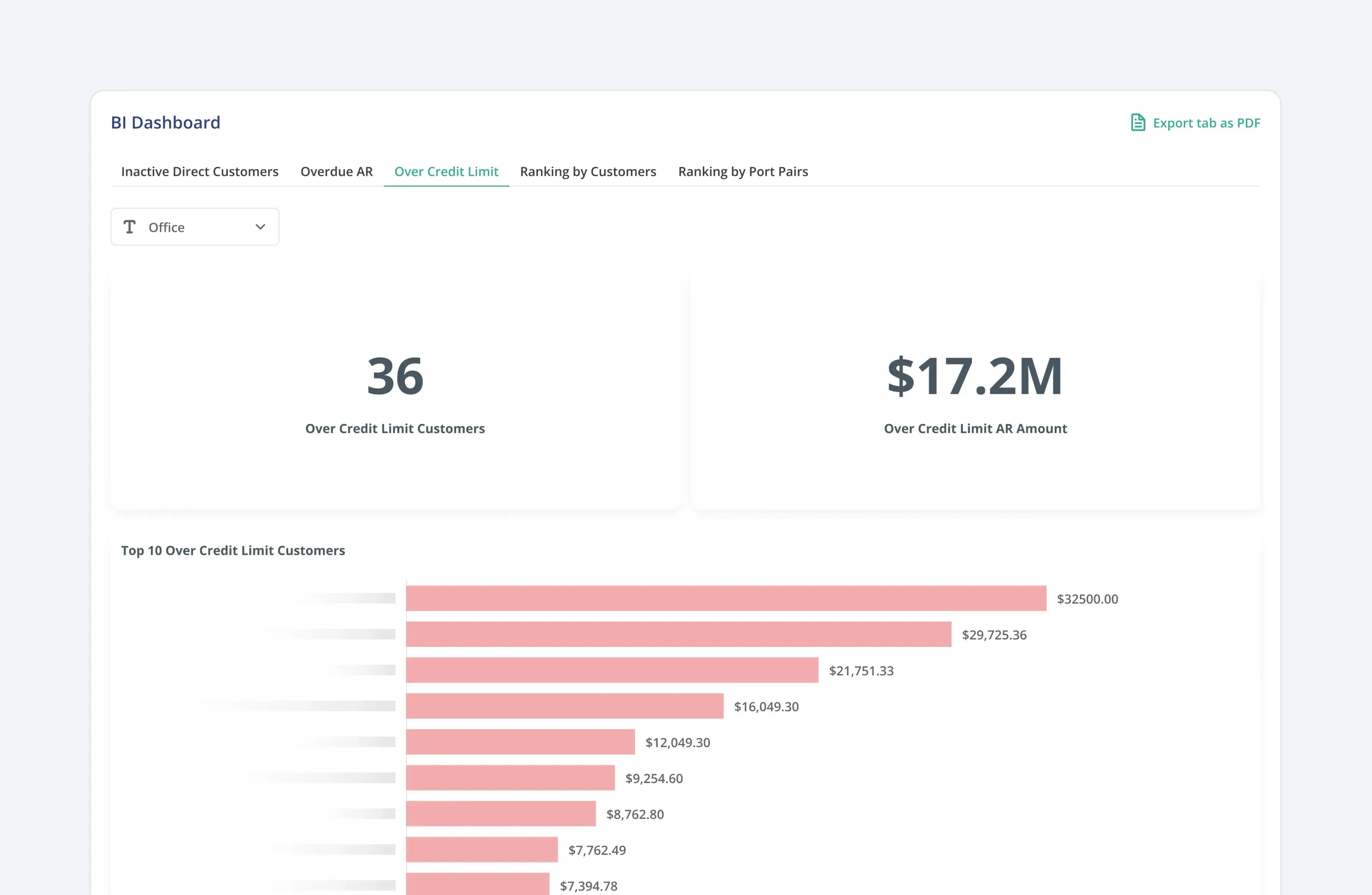
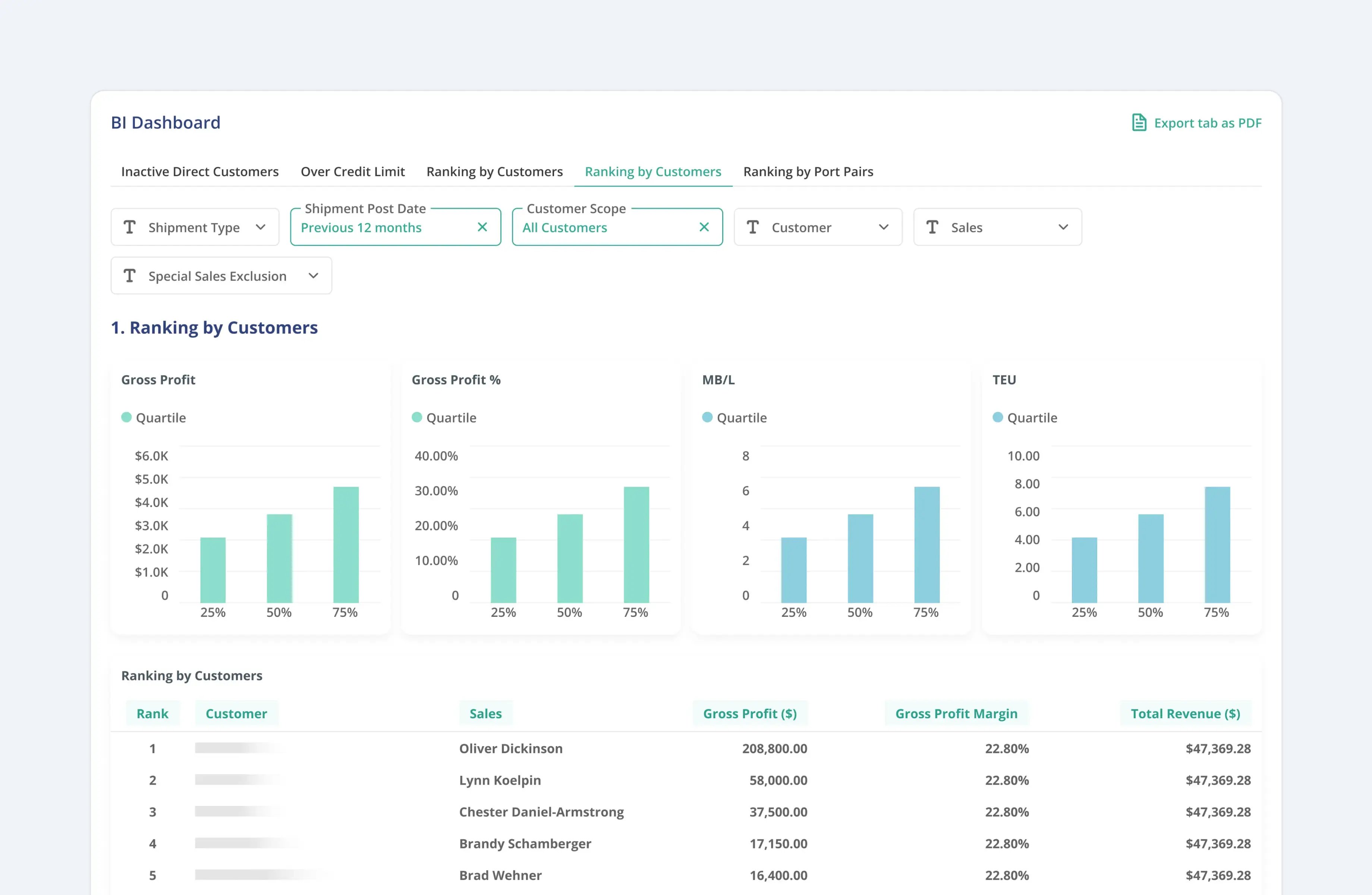
See which customers are driving the most profit and volume. Know who deserves more attention and who needs a conversation.
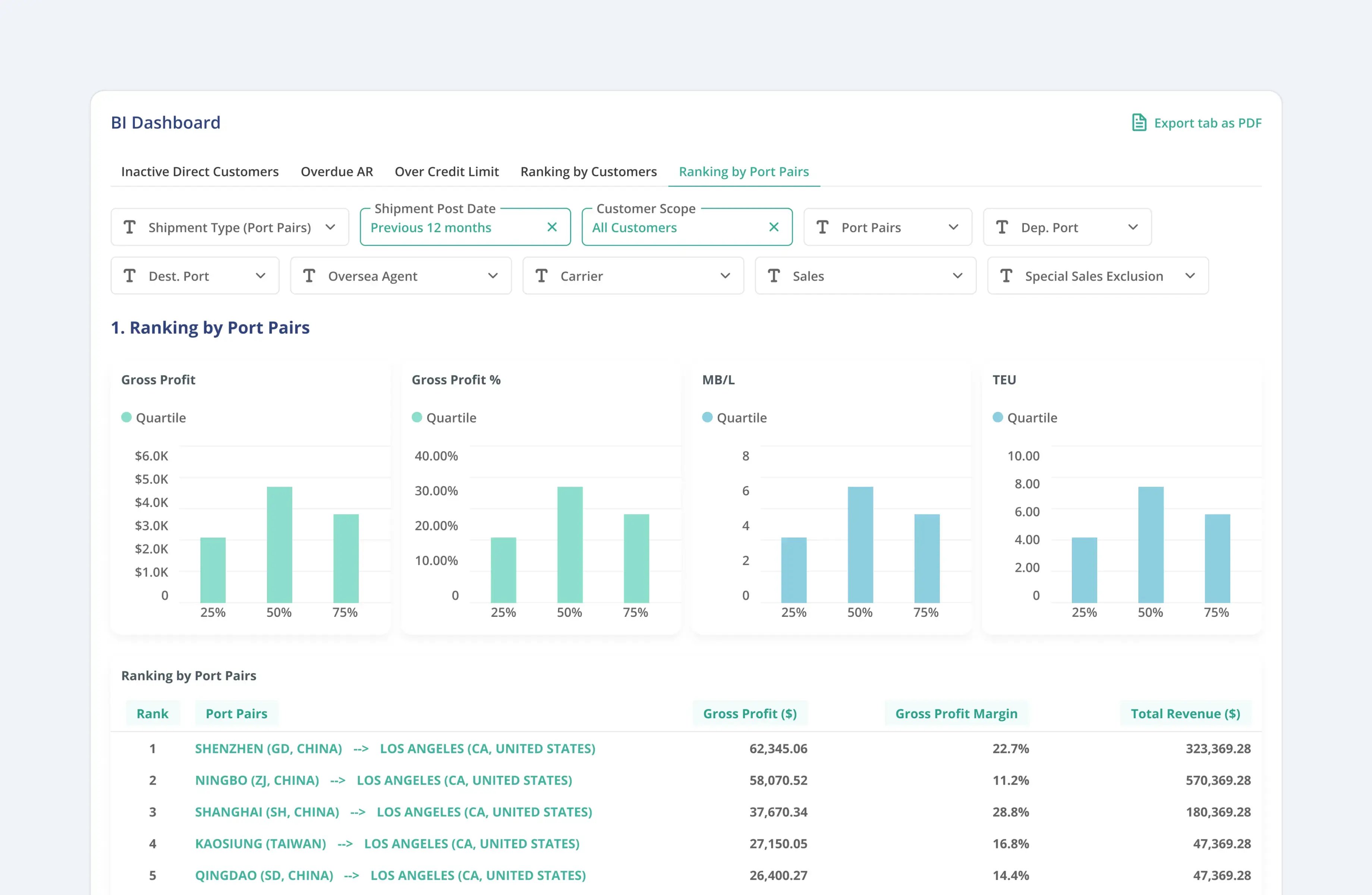
Understand which routes are most profitable and which agent partners are delivering the best results. Use the data to negotiate better rates and focus on your strongest lanes.

Format reports based on each customer's preferences so they get the details they care about. Different clients, different formats, zero extra work from your team.

Choose when and how often each report goes out. Daily, weekly, or at specific milestones, GoFreight handles the delivery.

Notify customers before free time deadlines so they can return containers on time. Fewer D&D fees. Fewer disputes. Clients who trust your team to keep them informed.

Send reminders for return deadlines so customers stay on track. Reduce missed returns before they become extra charges.

Make sure the right people always get the right information. Configure contacts per customer so updates reach the person who needs to act.

See gross profit on every job automatically. Revenue, costs, and margin at the shipment level with no manual calculation.
Identify your most profitable routes. Understand which port pairs, carriers, and trade lanes drive your margins.
Revenue and margin by customer account. Know your best clients and spot accounts that look busy but are not profitable.
Full aging reports for receivables and payables. See what is overdue by customer, vendor, and agent with drill-down to individual shipments.
Export any report to Excel or CSV. Connect to BI tools, data warehouses, or share directly with your finance team.
"We send over 2,000 automated reports and reminders to our customers each week using GoFreight. Our customers are happier, and our team spends far less time chasing updates."

"GoFreight helped us reduce our detention and demurrage fees by more than 50% in just a few months. Their container visibility tools keep us on top of every shipment."

See which customers are slipping, which routes make money, and which AR is overdue. GoFreight puts the right numbers in front of the right people.